Timestamp (Chapters)
00:00 – Introduction/Undervolting Explained
00:41 – How To Apply An Undervolt In Bios
02:55 – Undervolt Applied In Windows Results
04:30 – Closing Thoughts
Hello
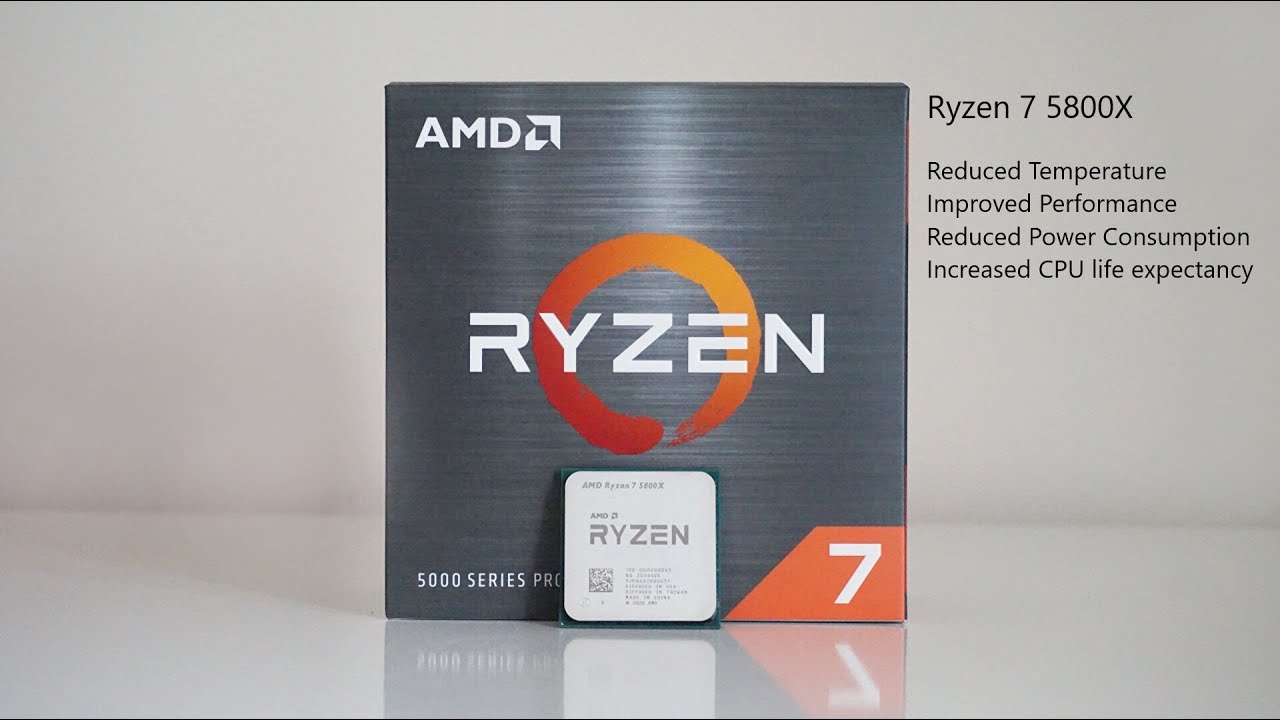
I wanted to do a quick video showing how to undervolt your Ryzen 7 5800X CPU. Firstly why would we want to undervolt this CPU? The Ryzen 7 5800X is a great processor, but due to so many cpu cores packed into a small space, the processor tends to run hot especially at stock.
In the video I give a brief intro as to why we undervolt the CPU, then go through the BIOS settings, then finally show the end result in windows.
By undervolting the CPU we gain several benefits in our gaming experience, including lower temps, reduced power consumption, better performance and longer cpu life.
Before you begin these are the programmes I used in the video:
CPUZ – https://www.cpuid.com/softwares/cpu-z.html
Hwinfo64 – https://www.hwinfo.com/download/
FAH – https://foldingathome.org/start-folding/?lng=en-GB
My PC Specifications:
CPU – Ryzen 7 5800X 8c/16t
GPU – Nvidia RTX 3080 FE
Motherboard – MSI B450 Tomahawk Max II
RAM – DDR4 2x 16GB 4000mhz
PSU – Cosair TX750M
OS – Windows 10 64bit
Cooling – Custom watercool loop
This is how I run my 5800X and have been running it perfectly fine for months. I have produced this video as a guide, you can alter the settings if you wanted to.
I take no responsibility for the settings in this vieo on your pc. You follow this guide on your own responsiblity. It is up to the individual user to ensure you use good quality parts, and you are aware as to the risk of altering your settings within the PC.
If you do not understand CPU overclocking, I advise you to read up on the process before watching this video. I offer this video as a guide, to share my overclocking experience.
You should always stress test any CPU overclock to ensure stability, I use F@H to stress test my CPU and GPU.
Thank you


Comments