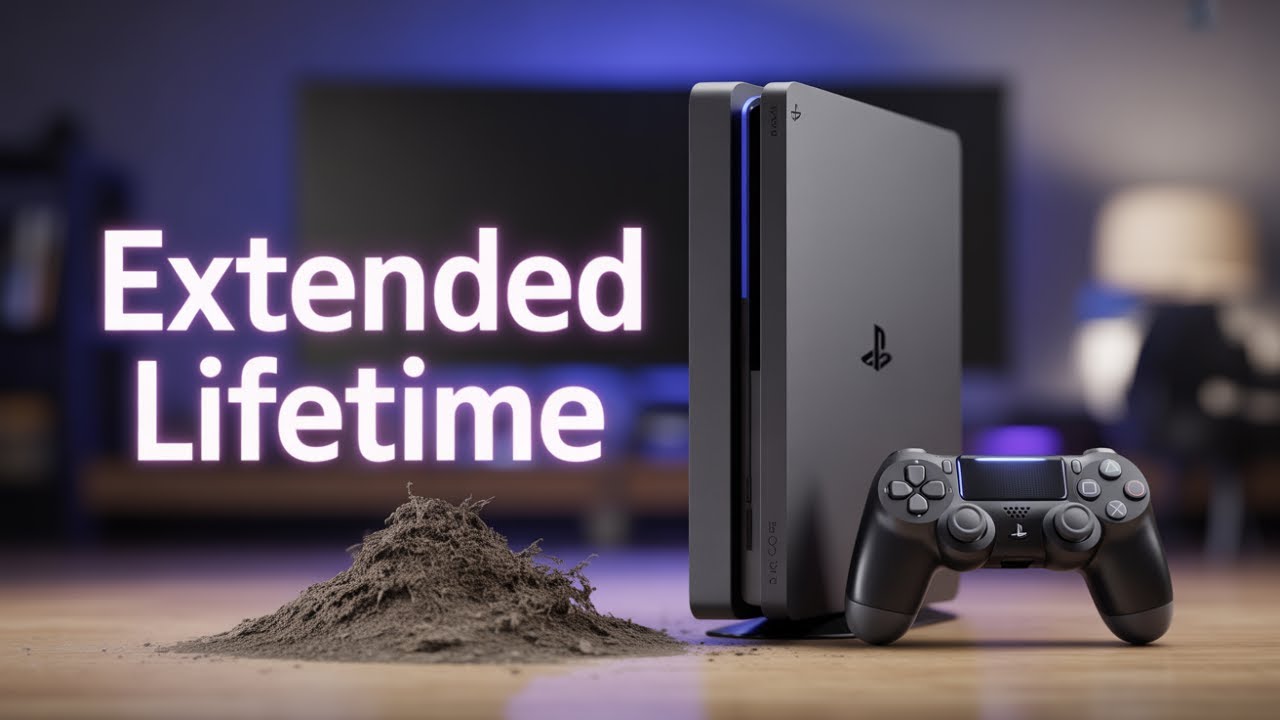
How to clean your ps4 slim with disassembly and assembly !#PS4
In this video, I show you how to disassembly your PS4 slim, clean it then assembly, to reduce noise, and give it more life. Also, I changed a heat plate for the CPU, this will reduce the overheat. Both methods help a lot!
How do I make a video?
Camera: Iphone 12 Pro Max
Edit video:LumaFusion
Microfon:Zoom H1N
How to Clean PlayStation 4 CUH-1003A: https://www.youtube.com/watch?v=N_OSwAXZOKA&t=364s
How to Clean #PS4Pro Cuh-7116b?: https://www.youtube.com/watch?v=O_UE_ELflRA&t=52s
Follow me on Facebook: https://www.facebook.com/thecave.bearin
Instagram: https://www.instagram.com/bearinthecave/ Or visit my My Channel:https://www.youtube.com/channel/UCGzDjw29RkSJkgbC3VFYVjg
Big Thank you for giving me a big help for my channel!
TubeBuddy
https://www.youtube.com/channel/UCo33niDKpTpgwZ_dohqvylg
00:00-Intro
00:27-Hdd Remove
00:43-Cover Remove
01:51-Wifi Antenna Remove
02:04-Power button Remove
02:23-Power Supply Module Remove
03:05-Screw Remove from Mounting Bracket
03:46-Blue-ray driver disconnect
04:00-Mounting Bracket Remove
04:12-CPU Cover Remove
04:23-Motherboard Remove
04:41-Heat sink Remove
05:09-Fan and Blueray driver Remove
05:47-Cleaning time
06:26-Reassemble
06:54-Heatsink Goin back
07:00-Heatpaste for CPU
07:13-Motherboard Replace
07:42-CPU cover
08:00-Mounting Bracket Replace
08:11-Blueray connect to the Motherboard
08:21-Mounting bracket screws replace
09:45-Wifi antenna and power buttons replace
10:22-Power supply Replace
11:20-Covers and hard disk Replace
12:31-Finished
#howtocleanps4slim


Comments