2022-07-21
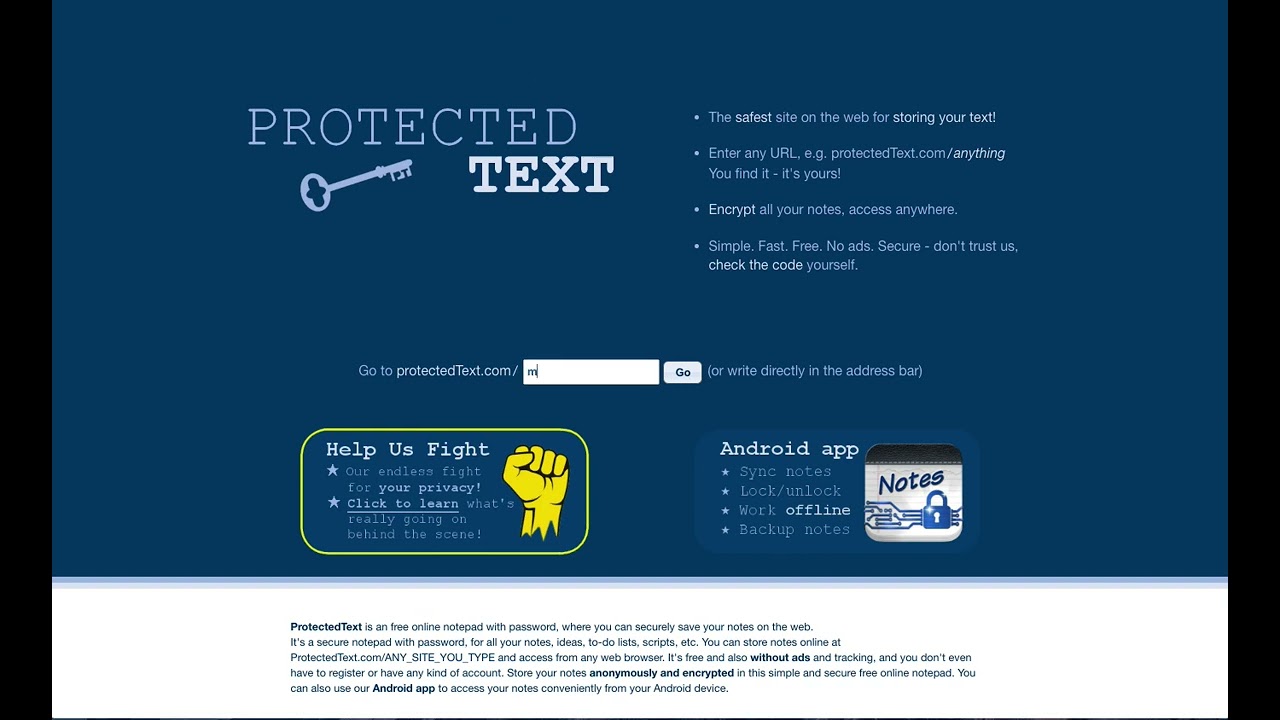
Works via most browsers (Chrome, Firefox, Safari) and on MAC, Linux etc devices and Android app* to sync them. Make sure you do not override the protected text as it prompts the warning before making changes, saving them and syncing notes. You can create sites and notes from the Android app* itself and upload them online, using the same process as online and shown in the video.
From their site:-
Q: How can I make encrypted backup of my notes?
A: It’s simple: Open your site with Google Chrome or Mozilla Firefox and save the site before decrypting it (Ctrl + S should work). Make sure to save the site while ‘Password required’ dialog is still visible. To open your encrypted backup, open saved .html file and type in your password.
Links:-
https://www.protectedtext.com/
https://play.google.com/store/apps/details?id=com.protectedtext.android
Disclaimer:
I am not affiliated with this Protected Text site. This video is purely instructional. If you follow the instructions you should be ok to use them. Good idea to do a backup if unsure.
Only constructive, positive feedback welcome!


Comments