Guide: https://droidwin.com/how-to-download-install-android-16-gsi-with-without-twrp/
Screenshots in my Telegram Channel: DroidwinTech: t.me/droidwintech
Discussions in my Telegram Group: DroidwinGroup: t.me/droidwingroup
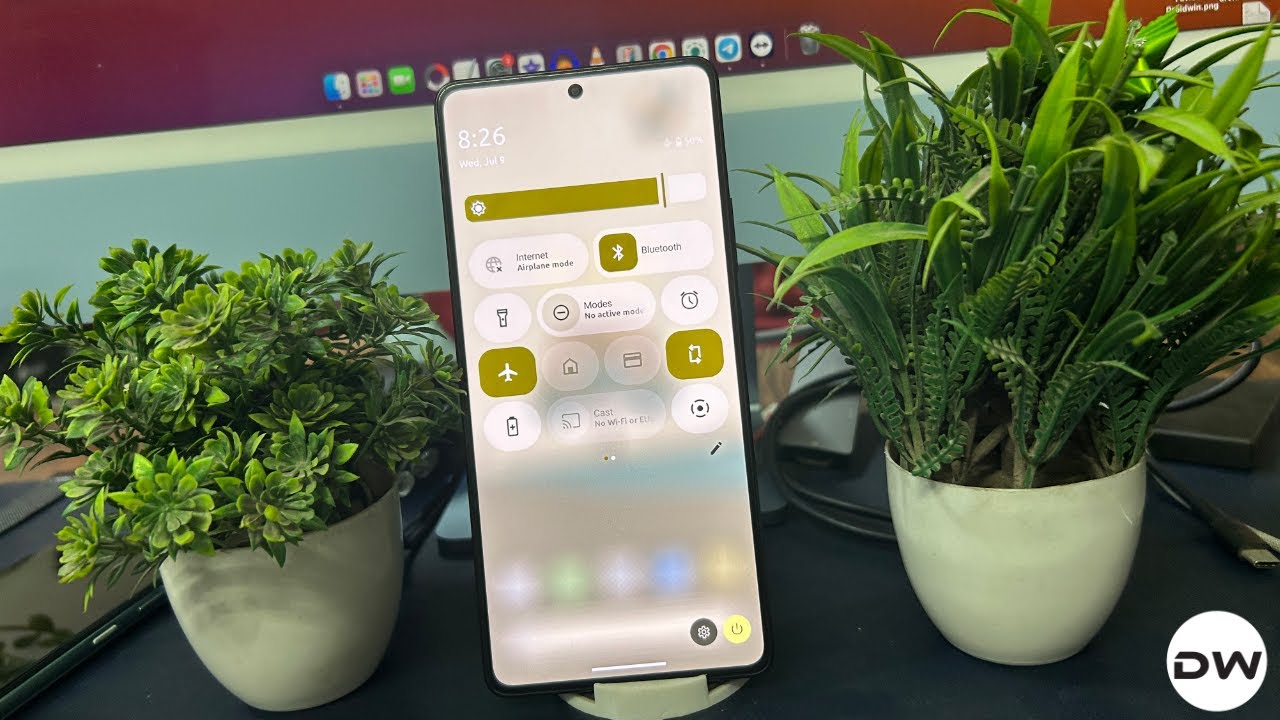
In this video, we wil show you the steps to flash the latest YAAP ROM based on Android 16 on any Android device.
00:12 Verify Project Treble Compatibility
00:50 Which GSI ROM to Download?
01:06 Download Android 16 GSI ROMs
02:05 Extract GSI ROM
02:32 Download Android SDK Platform Tools
02:44 Enable USB Debugging and OEM Unlocking
03:33 Unlock Bootloader
04:41 Extract vbmeta
06:02 Transfer vbmeta and GSI to Platform Tools
06:08 Boot to Fastboot Mode
06:46 Disable Android Verified Boot
06:58 Boot to FastbootD Mode
07:21 Delete Product Partition
07:32 Flash YAAP Android 16 GSI ROM
08:14 Format Device
09:22 Check out YAAP Android 16


Comments